The Challenge
Remote work can improve flexibility and work-life balance, but it also introduces physical, cognitive and social challenges: prolonged screen exposure, sedentary behaviour, insufficient active breaks, difficulty disconnecting after work, isolation and poorly adapted home workspaces.
The challenge was therefore not simply to create another wellness app.
How might we design a proactive tool that helps workers maintain healthier habits…
…while fitting naturally into the user’s working routine?
The guiding principle became: technology should serve health, not productivity.
The Process
Looking to showcase my acquired knowledge of the backbone of the UX/UI field, I chose to follow the Design Thinking framework.
Empathy
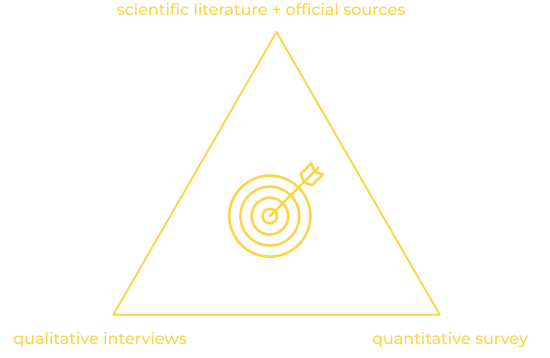
I combined interviews, a survey, desk research and competitor analysis, then triangulated the findings rather than relying on a single research source.
Insight
People were taking fewer breaks than recommended, visual health was not being adequately cared for, and active breaks were not yet the dominant behaviour.
Implication
The product needed to encourage real, restorative breaks, rather than simply remind users to pause.
Insight
The strongest sources of dissatisfaction around work-life balance were recovery and rest, mentally disconnecting from work after the working day, and maintaining a healthy balance between physical, social, intellectual and rest activities.
Implication
The product should help users create a clearer transition between work time and personal time, not optimise the amount of work they complete.
Insight
The survey ranked flexibility and work-life balance above salary, while health and wellbeing also ranked highly.
Implication
Flexibility became a product principle: recommendations should adapt to the person’s circumstances rather than impose a rigid routine.
Insight
Interviews revealed that work stress was frequently associated with workload peaks; 4 of 6 interviewees mentioned this. Physical activity was also the most common personal health strategy.
Implication
The product needed to address both physical wellbeing and mental recovery, while making healthy actions realistic during busy periods.
Definition
During the definition phase of the project, my goal was to sinthesise the problem space and target user group, and to set the core goals, boundaries, and clear requirements.
A broader product opportunity
Creating a personalised health companion for remote workers that can understand the user’s context and proactively suggest appropriate actions.
Defining the users
Research identified one very heterogeneous user group: remote workers. To simplify the analysis, this group was segmented in 2 extremes:

the 9-5ers
Full-time remote employees working within structured schedules and organisational constraints.

the free-spirited
more flexible workers such as freelancers or hybrid workers with less predictable routines.
While both groups shared similar wellbeing challenges, their triggers, autonomy, and ability to take breaks differed significantly.
The need for hyper-personalisation
Rather than treating everyone as having the same ideal workspace or routine, the concept accounted for individual circumstances, preferences, working culture and even accessibility needs. For example, recommendations should adapt when a user has a disability or when their physical environment cannot meet an ideal ergonomic setup.
Ethical from the get-go
I also identified an important product constraint early: health data is sensitive. The concept explicitly considered the risk of employers using personal information for surveillance or discrimination, reinforcing the principle that the product should prioritise the employee’s wellbeing.
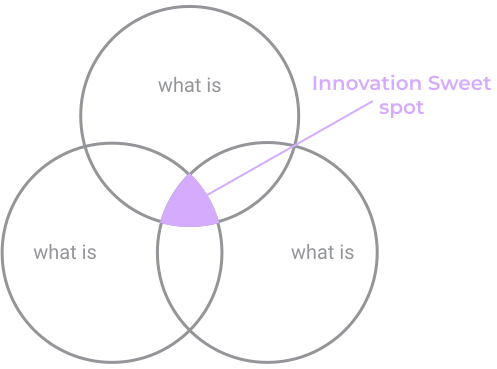
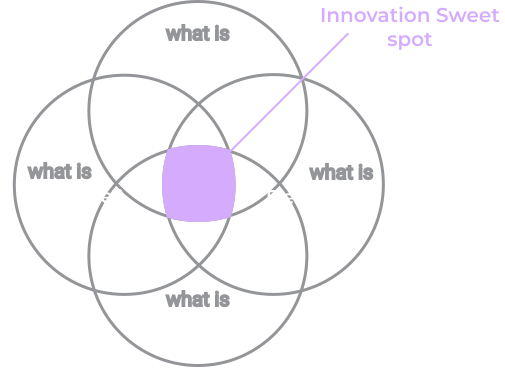
This is how we added a fourth lens to the traditional goals of Design Thinking –responsibility.
The solution: Vitalflow
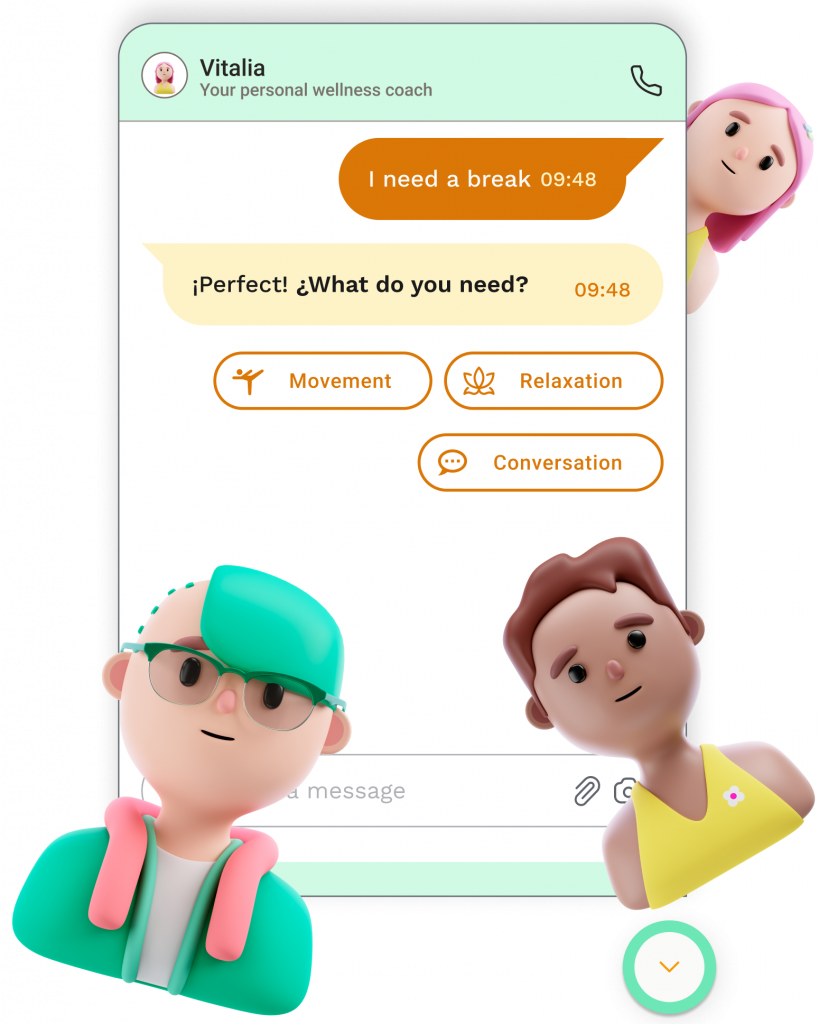
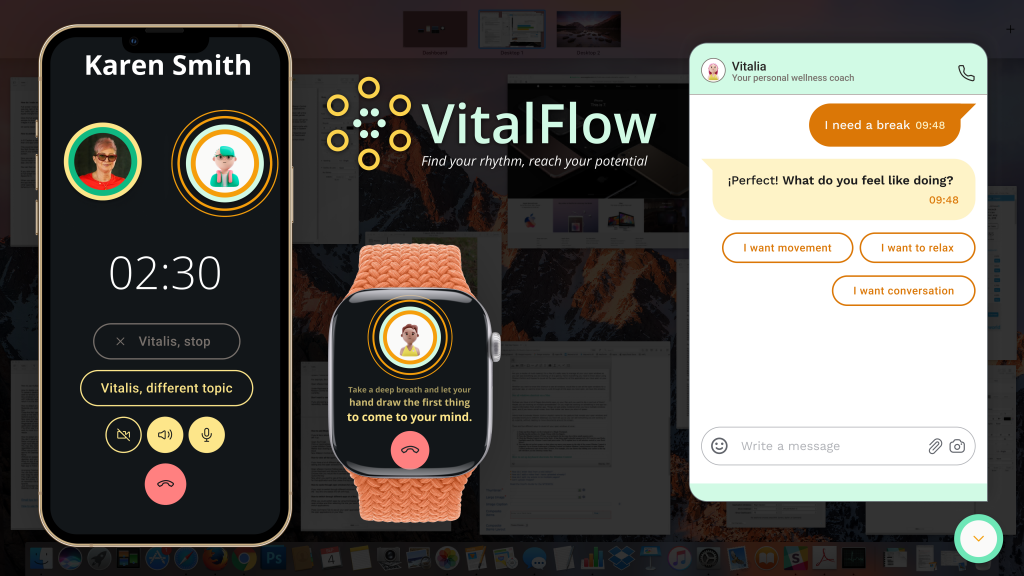
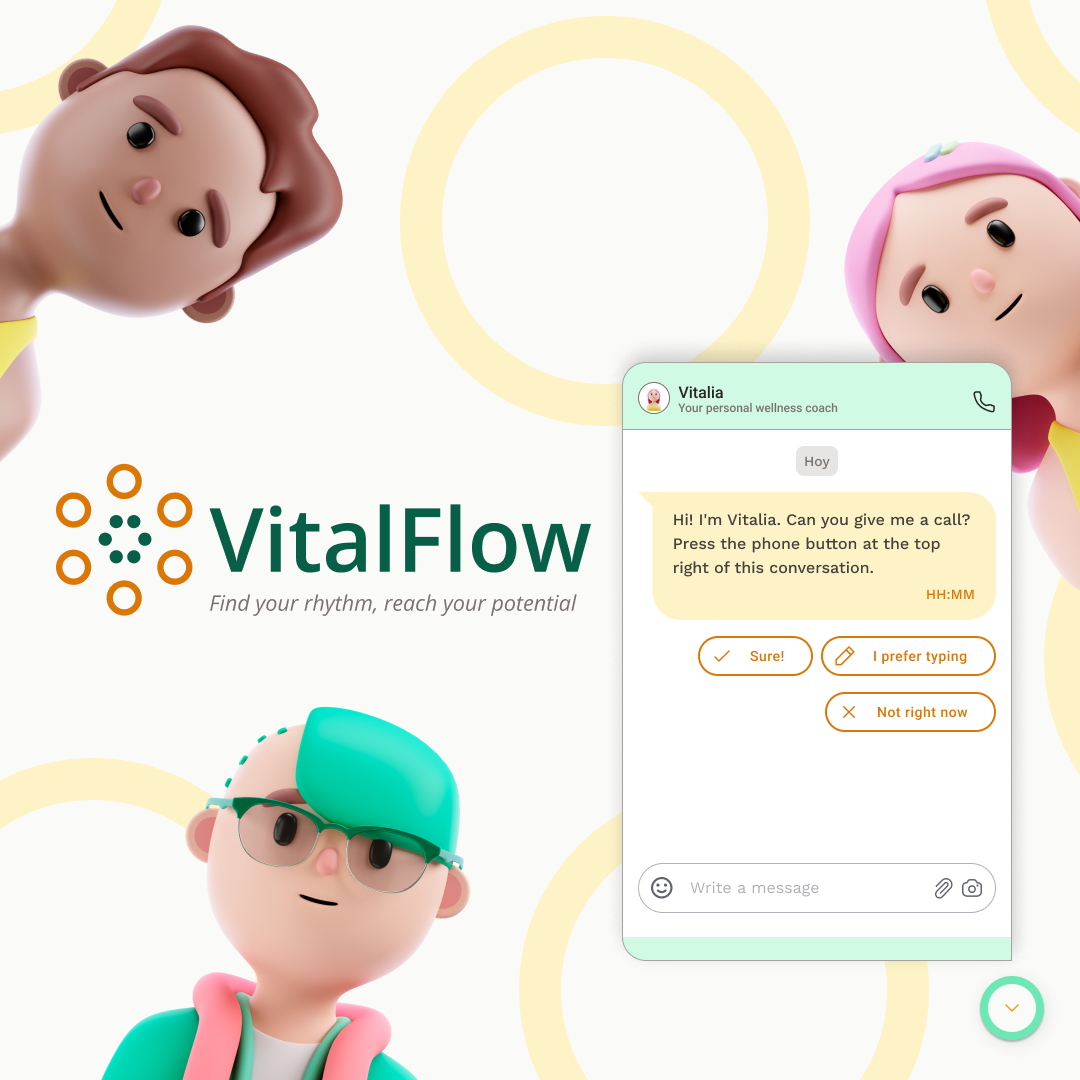
The resulting concept combined a digital dashboard with a voice-based health coach designed to provide personalised recommendations for breaks, relaxation, ergonomics and wellbeing.
The core experience
Understand the user → Assess their context → Set personalised goals → Proactively support healthier habits
Breaks during the workday –first window of opportunity
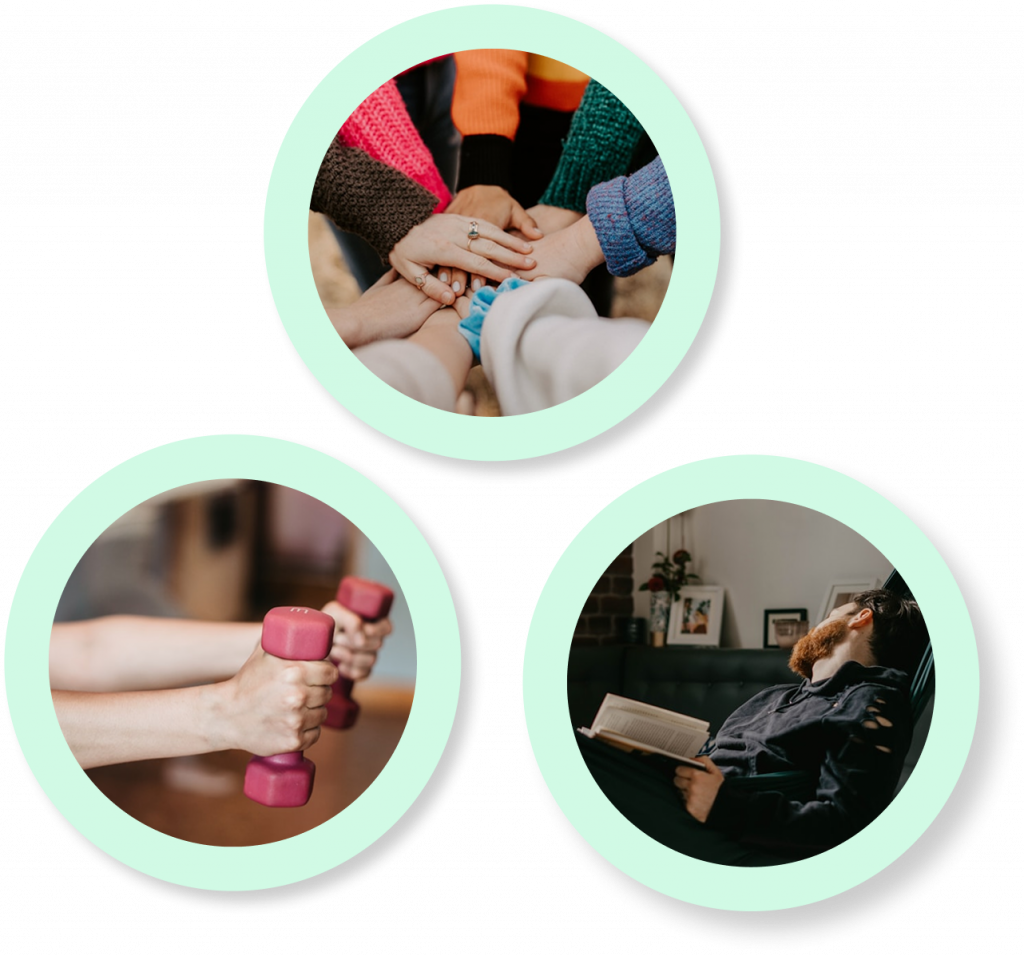
Optimizing the effectiveness of work breaks is the core feature of Vitalflow. We help users shift from passive coffee and phone breaks to more active, social, or relaxation-focused breaks, enhancing overall well-being and productivity.
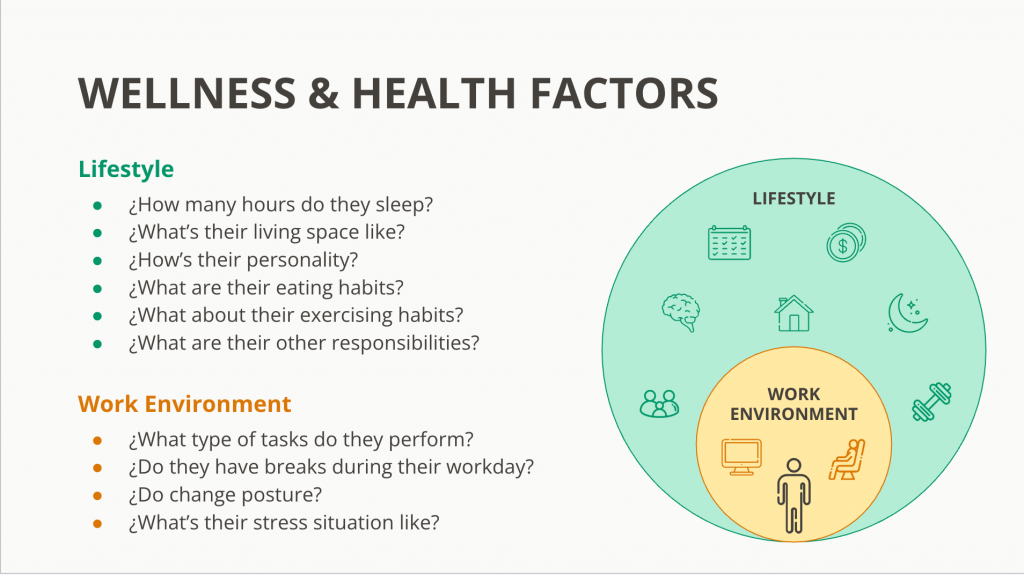
Work and personal life… are they truly separate?
To avoid redundant proposals, it would be ideal to consider other factors from the personal life of a user.
The value brought by AI
AI was explored as a core enabler for the hyper-personalised user experience. Rather than offering static advice or generic reminders, the system was designed around the idea that intelligent, context-aware support can significantly improve relevance and reduce cognitive load for users working in complex home environments.
| Tom (21) | Jenny (41) | Harold (51) | |
|---|---|---|---|
| What is proposed? | Desk stretches | Calling her work friend | Reading 10 pages |
| How is it proposed? | Increasing visibility of notifications | Subtle Vibration on the smart watch | Floating call button (muted) |
| When is it proposed? | end of the workday | during the workday | hybrid |
| Tom (21) | Jenny (41) | |
|---|---|---|
| What is proposed? | Desk stretches | Calling her work friend |
| How is it proposed? | Increasing visibility of notifications | Subtle Vibration on the smart watch |
| When is it proposed? | end of the workday | during the workday |
More details
From a product perspective, AI-enabled personalisation was valuable in three ways:
- Context sensitivity: recommendations can adapt to the user’s working patterns, environment and reported discomfort rather than relying on fixed schedules.
- Reduced decision fatigue: instead of users having to interpret what “healthy behaviour” means in the moment, the system translates context into actionable suggestions.
- Proactive support: the experience shifts from reactive tracking to anticipating needs (e.g. suggesting breaks when workload patterns or fatigue signals indicate strain).
Prototyping & Testing
Prototyping & Testing are crucial steps in the design process that help refine the product and ensure a user-centric experience. Each refinement stage is adapted to the testing results. Here’s the overview of my approach to the overall Product design.
The multimodal interaction model became the central design challenge.
Hypothesis
Could the voice-led experience make Vitalia feel trustworthy and useful, while still allowing users to complete tasks efficiently?

Step One: Mapping the key journeys
Through sitemaps, user flows, wireflows, dialogue scripts and customer journey/blueprint work before moving into interface design.
I used table readings to test the scripted voice “happy paths”. This exposed issues in the interaction logic and led to changes in the scripts.
One important decision was to give the screen more prominence during the onboarding flow: because this interaction would not happen frequently, screen input was considered faster and provided additional opportunities to complete the process if the voice interaction was interrupted.

Step Two: Mid-Fidelity Prototypes
I then tested the mid-fidelity prototype through moderated remote usability sessions using Figma and Google Meet. The test specifically examined users’ first impressions of Vitalia and whether the interaction could generate trust.

Step Two: Design System & High-Fidelity prototype
Design decisions also considered accessibility and visual wellbeing.
For example, the colour palette was adjusted towards warmer tones, and success states were designed not to rely on colour alone, using icons as an additional signal.
To conclude, I created as high-fidelity prototypes in fgma as possible.
A further round of testing was planned, but the project documentation explicitly identifies additional unmoderated testing, more advanced voice testing and accessibility testing as next steps, rather than completed validation.
The result: Vitalflow
A multimodal coach that assists workers throughout the day through subtle interactions.
The Vitalflow Method
Based on the Atomic Habits framework, we established a methodology to help users boost their physical and mental health during their workday.

1
Day 1
You register, you sync your tech and we have a chat to get to know you
2
Day 2
We establish goals together
3
Every day
We accompany you on the workday,
you see your progress
4
Day X
You reach a goal, we establish a new one


Making the most of the workday
Optimizing the effectiveness of work breaks is the core feature of Vitalflow. We help users shift from passive coffee and phone breaks to more active, social, or relaxation-focused breaks, enhancing overall well-being and productivity.


Stretch breaks
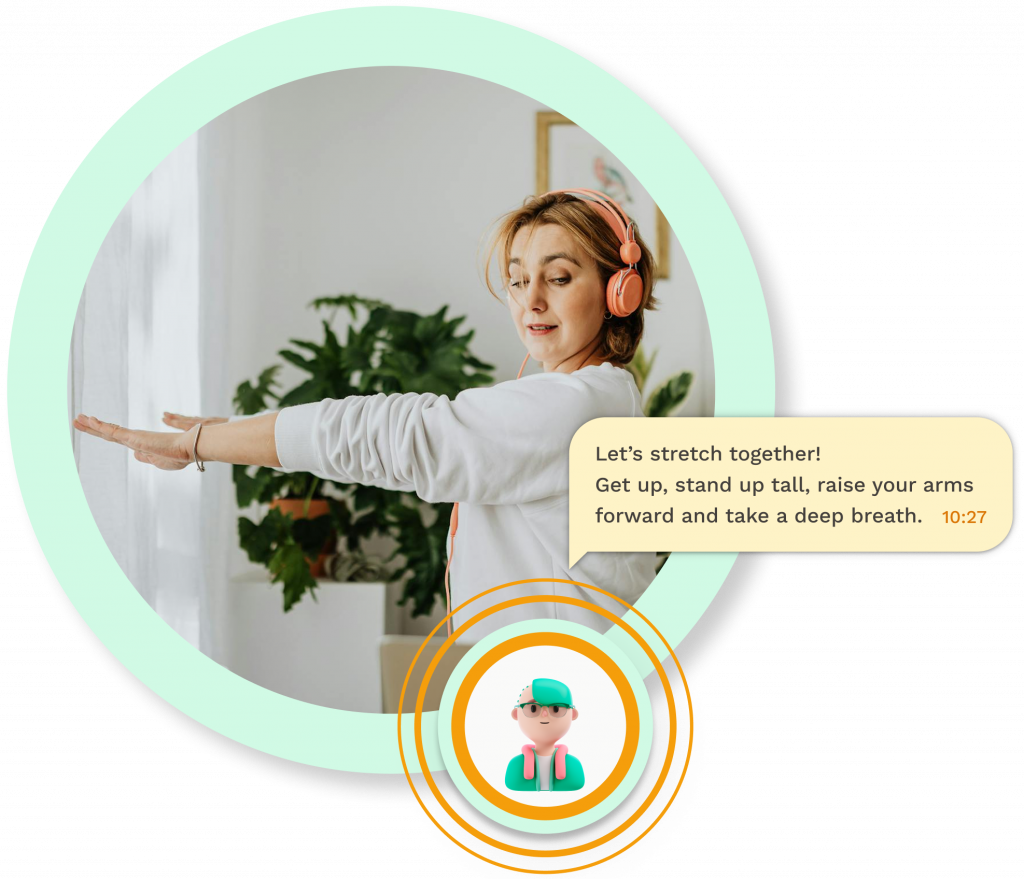
Adapting the exercises to the available space in your home and your availability, your assistant will guide your stretching sessions to keep your muscles strong.
Socialising from home
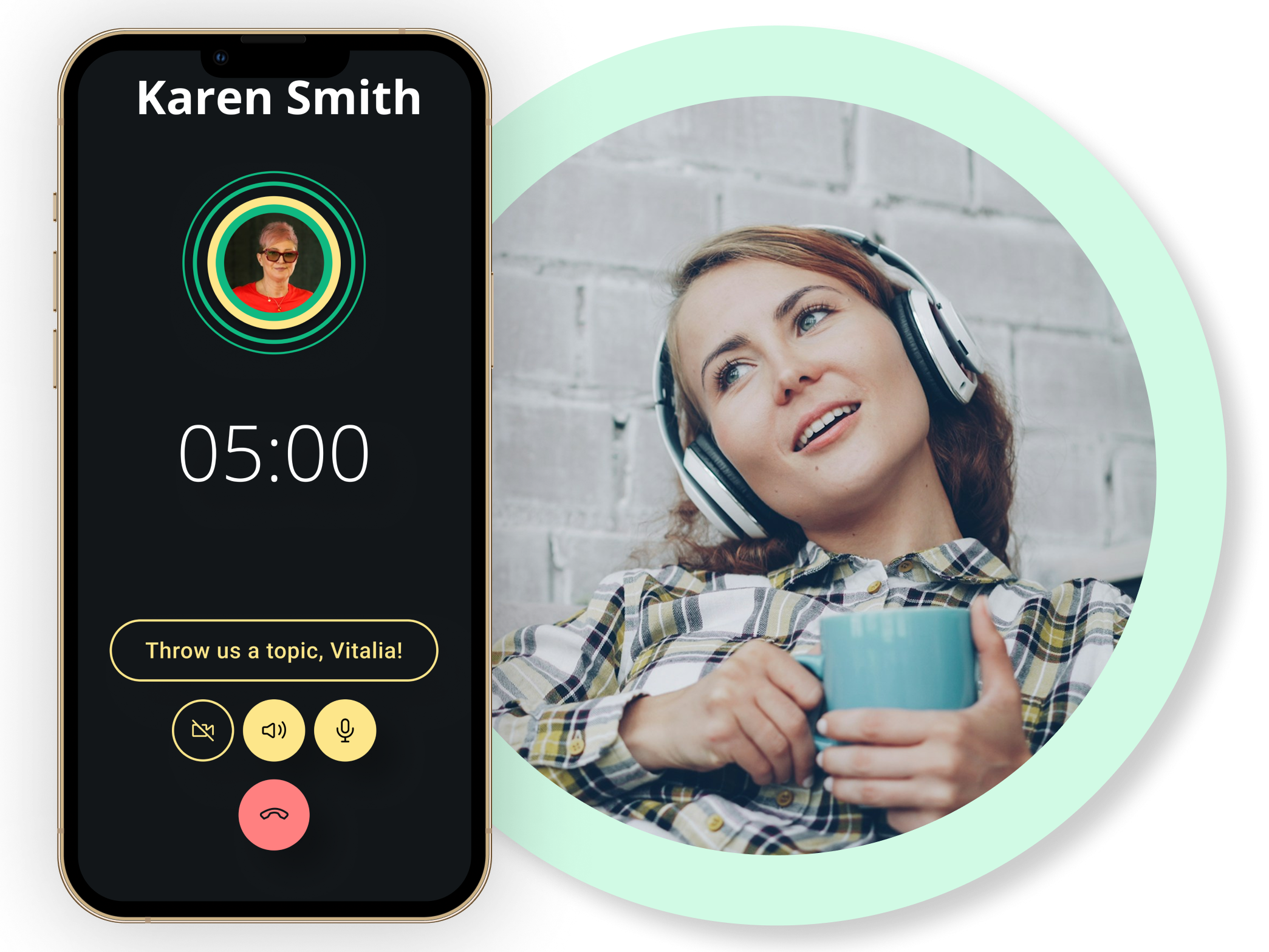
One of the major drawbacks from home office work is the lack of social interaction. Vitalflow helps users with similar profiles and availability connect. The assistant helps out during their first interactions with some topic suggestions.
True relaxation
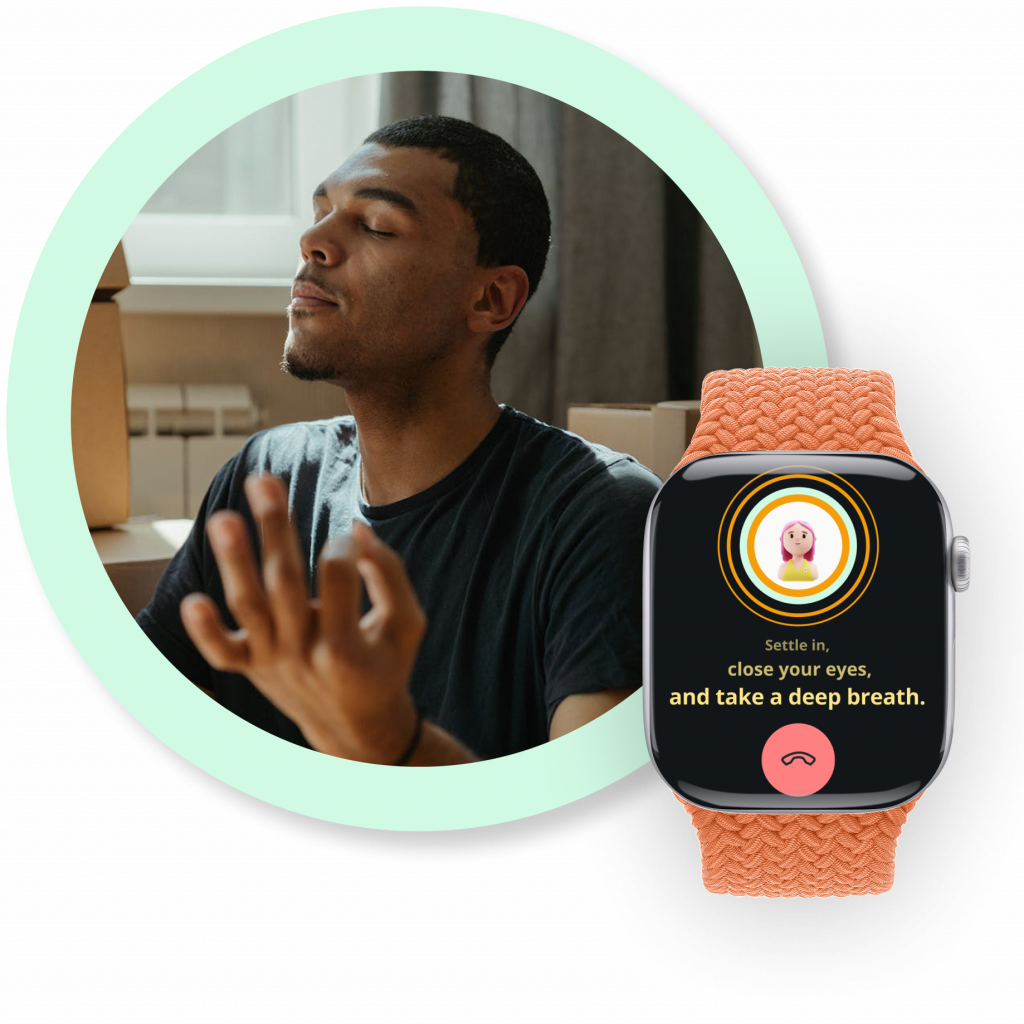
One of the biggest challenges for workers is to find a screen-free activity appropriate for a short available time slot. Vitalflow speeds up the decission making, and suggests different activities that allow these short wind down moments. From guided meditations, to music jams, to art therapy exercises, Vitalflow has got you covered.